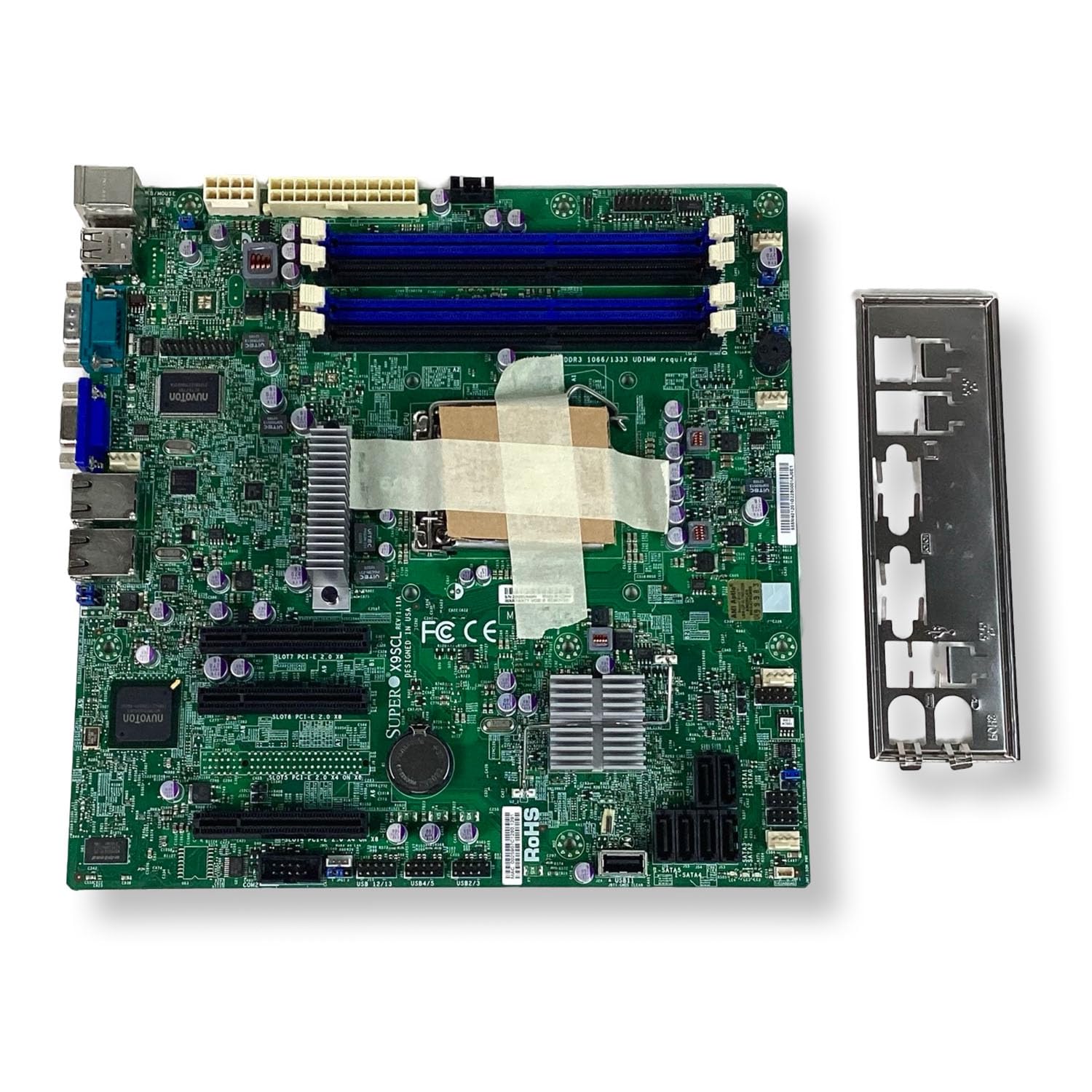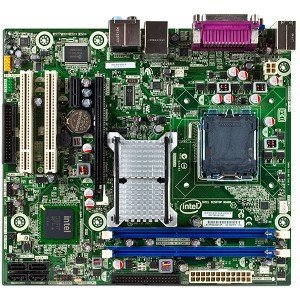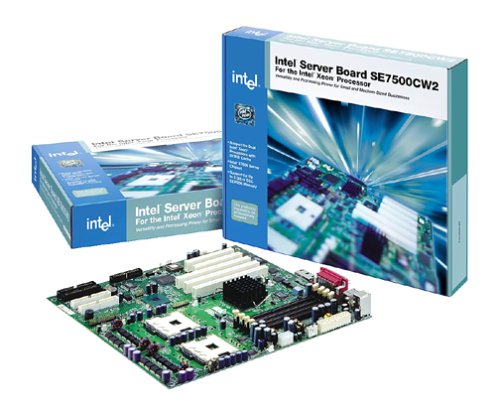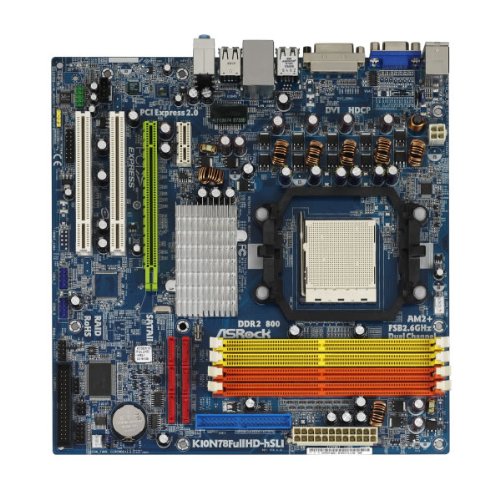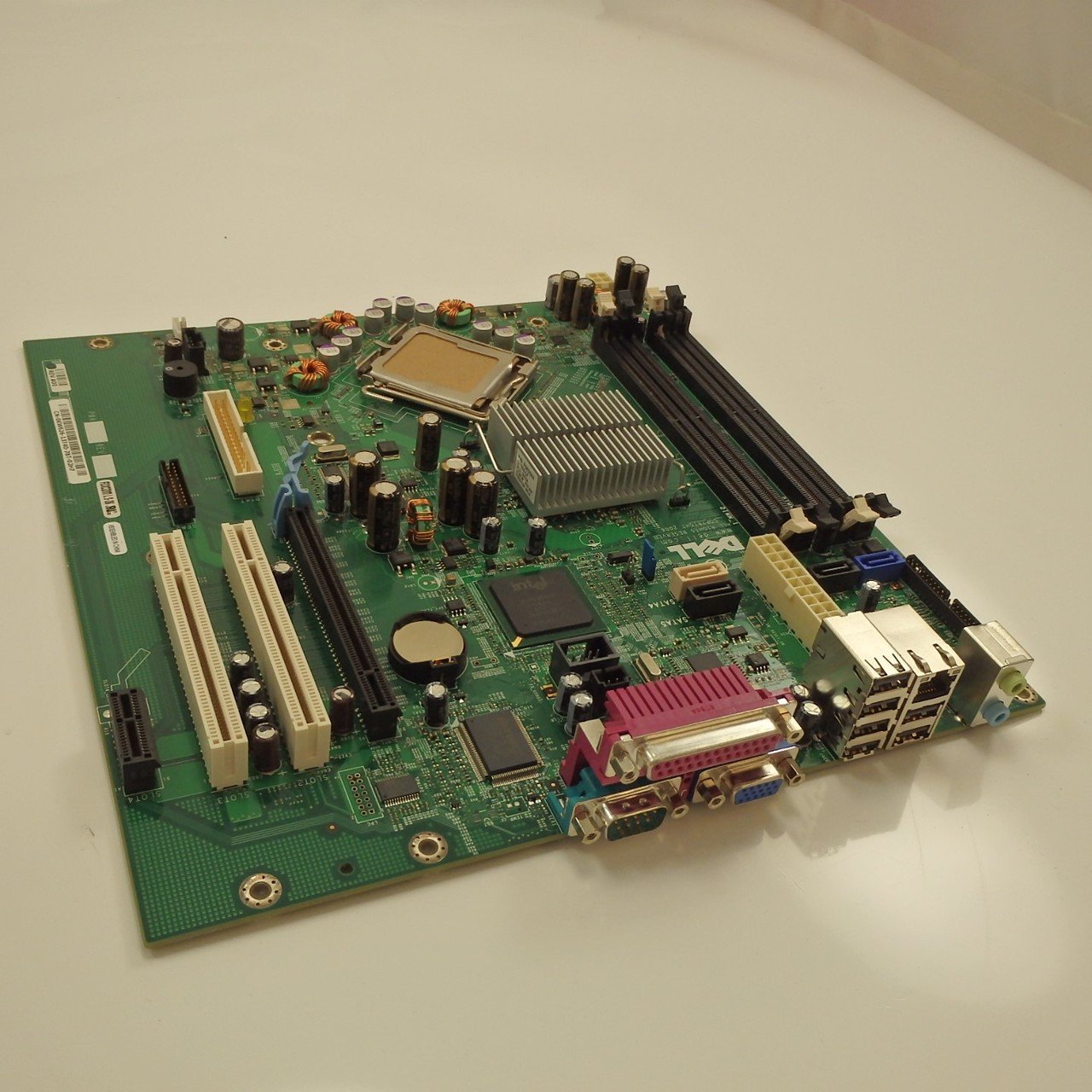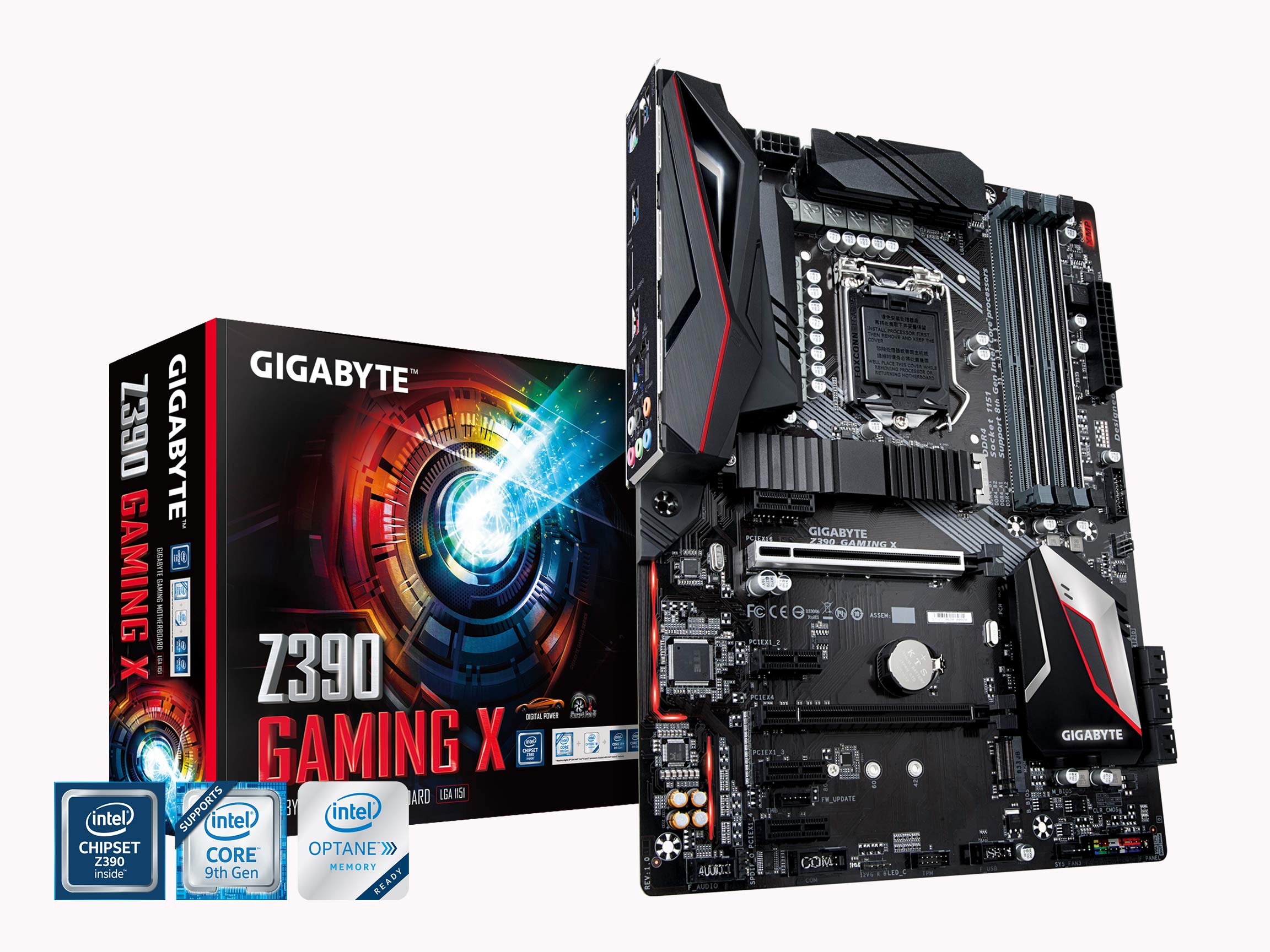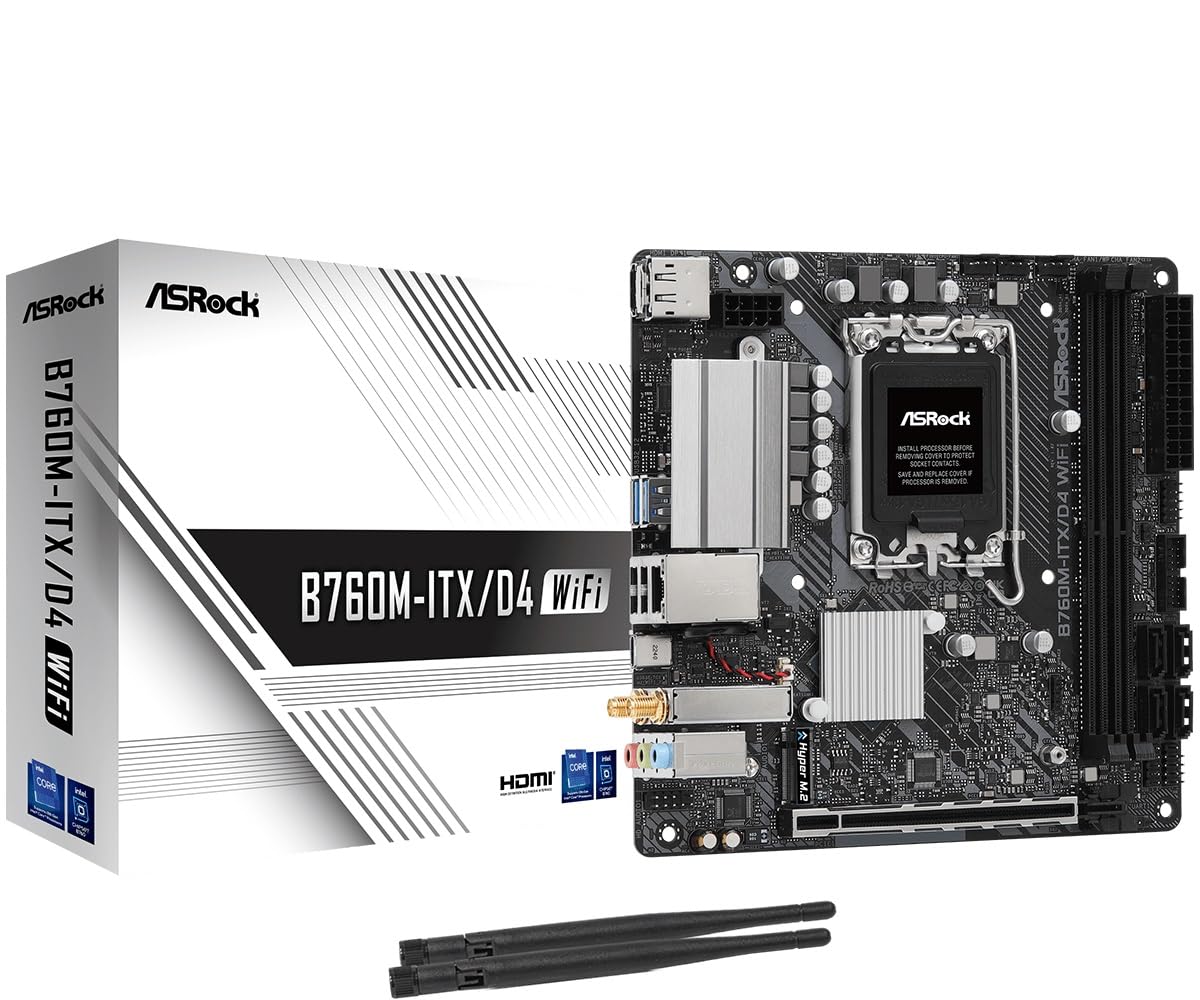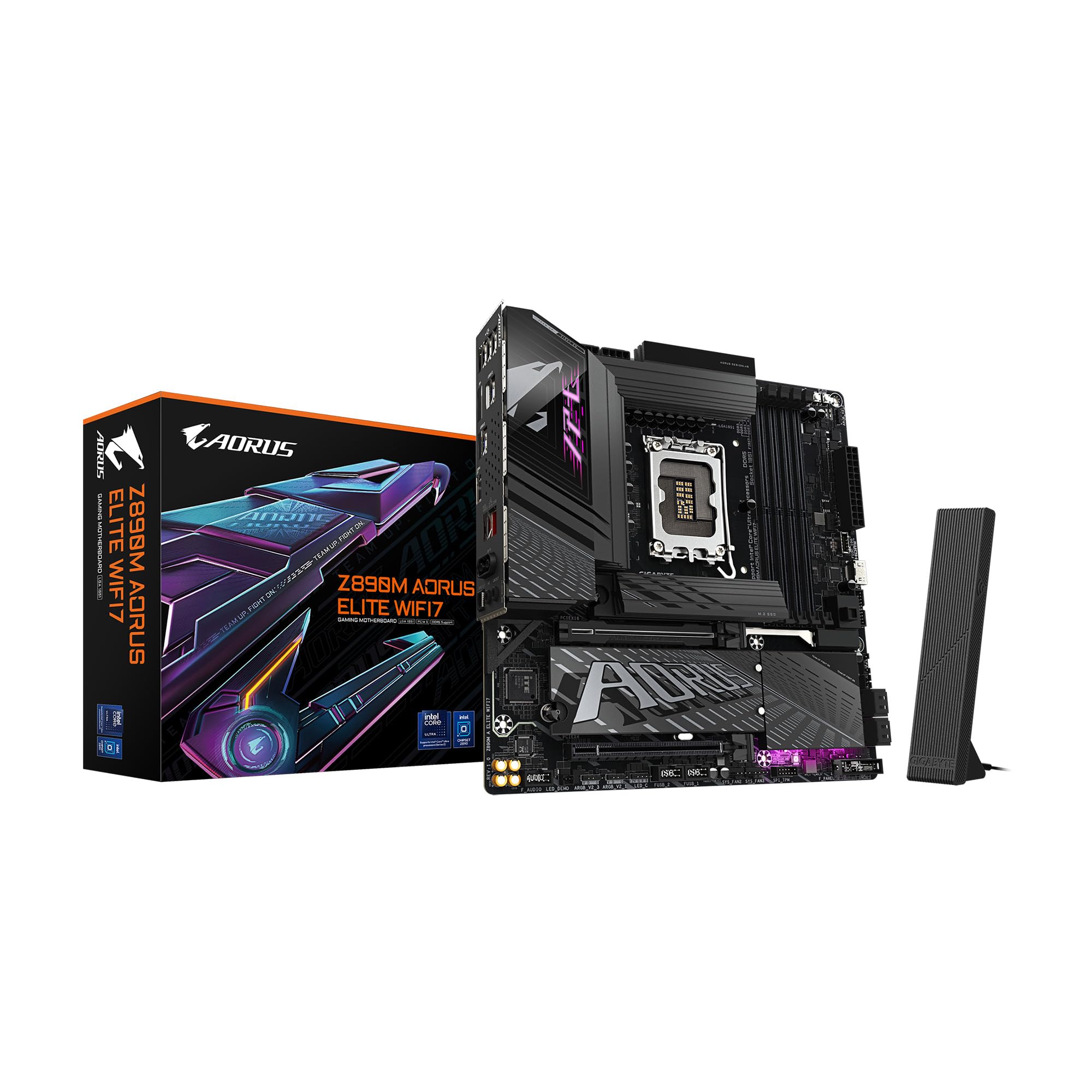

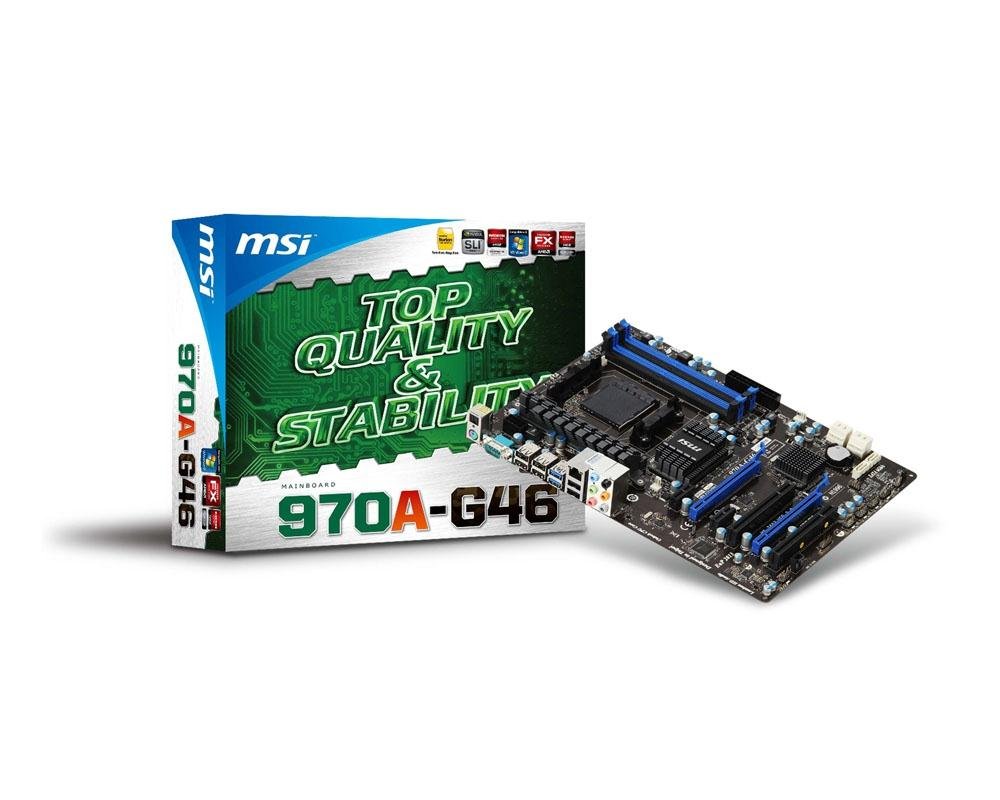
Explore the MSI 7693-020R motherboard for AMD systems, focusing on its North and South Bridge capabilities in the Computer Motherboards category.
Why choosing Computer Motherboards is difficult#
Selecting the right motherboard can be complex due to varying form factors, supported chipsets, and processor sockets. For example, the MSI 7693-020R (model 970A-G46) features an AMD 970 North Bridge and SB950 South Bridge, which define its compatibility with specific CPUs and memory types. Users must consider factors like socket type (AM3+ in this case), supported RAM speeds (DDR3 800 here), and expansion options when making a decision.
Common buyer mistakes#
One common mistake is overlooking chipset compatibility or assuming all motherboards support the same components. The MSI 7693-020R, for instance, does not support newer processors beyond AM3+ or DDR4 memory. Buyers may also misinterpret marketing terms like ‘ATX’ without understanding how form factor impacts case compatibility and airflow.
Real-world use and expectations#
In real-world scenarios, the MSI 7693-020R is best suited for users building systems around AMD AM3+ processors with DDR3 memory. It supports standard ATX cases but may lack modern features like USB-C or M.2 slots found in newer motherboards. Performance expectations should align with its age and component limitations, making it more appropriate for legacy builds rather than cutting-edge setups.
Where this product fits (strengths and weaknesses)#
This motherboard excels in environments where AM3+ processors are still in use, such as budget or retro computing projects. Its strength lies in compatibility with older hardware and straightforward design. However, its lack of modern expansion options and support for newer technologies like PCIe 4.0 or NVMe SSDs may limit its usefulness in more advanced builds.
Who should avoid this product#
Users looking to build a system with DDR4 memory, Ryzen 5000-series processors, or requiring high-speed storage interfaces should consider alternatives. The MSI 7693-020R is not suitable for those needing modern features like USB-C ports, M.2 slots, or support for the latest AMD chipsets.
How it compares with alternative styles#
| Feature | MSI 7693-020R (970A-G46) | Modern ATX Motherboard | Mini ITX Motherboard |
|---|---|---|---|
| Socket Type | AM3+ | AM5 or Ryzen 7000 | AM5 or Ryzen 7000 |
| RAM Support | DDR3 800 | DDR4/DDR5 | DDR4/DDR5 |
| Expansion Slots | PCIe x16, SATA | PCIe x16 (NVMe), M.2 | Limited PCIe slots |
This comparison highlights the limitations of the MSI model compared to newer motherboards that support modern hardware and interfaces.
Care and long-term ownership#
Proper care for this motherboard includes ensuring adequate cooling in the system case, avoiding static discharge during installation, and using compatible power supplies. Long-term use may require upgrading components as newer technologies become standard, which could limit its lifespan without additional investment.
Frequently asked questions#
What processors are supported by the MSI 7693-020R motherboard?#
The motherboard supports AMD AM3+ processors but is not compatible with newer Ryzen or Threadripper models. Users should verify their CPU’s socket type before installation.
Can this motherboard support DDR4 memory modules?#
No, it only supports DDR3 memory at 800 MHz. Upgrading to DDR4 would require a different chipset and motherboard model.
Is the MSI 7693-020R suitable for gaming or high-performance computing?#
This motherboard is not ideal for modern gaming or high-performance tasks due to its outdated architecture and lack of support for newer components like PCIe 4.0 or NVMe SSDs.
What are the main limitations of this product compared to newer models?#
The primary limitations include no support for DDR4, limited expansion options, and incompatibility with modern AMD processors beyond AM3+. These factors make it less versatile than more recent motherboards.
Final thoughts#
The MSI 7693-020R motherboard is a specific product designed for legacy systems using AMD AM3+ processors. It serves as an example of how older motherboards may lack modern features but still have niche uses in certain computing scenarios. Buyers should carefully evaluate their hardware needs before selecting this or similar models.