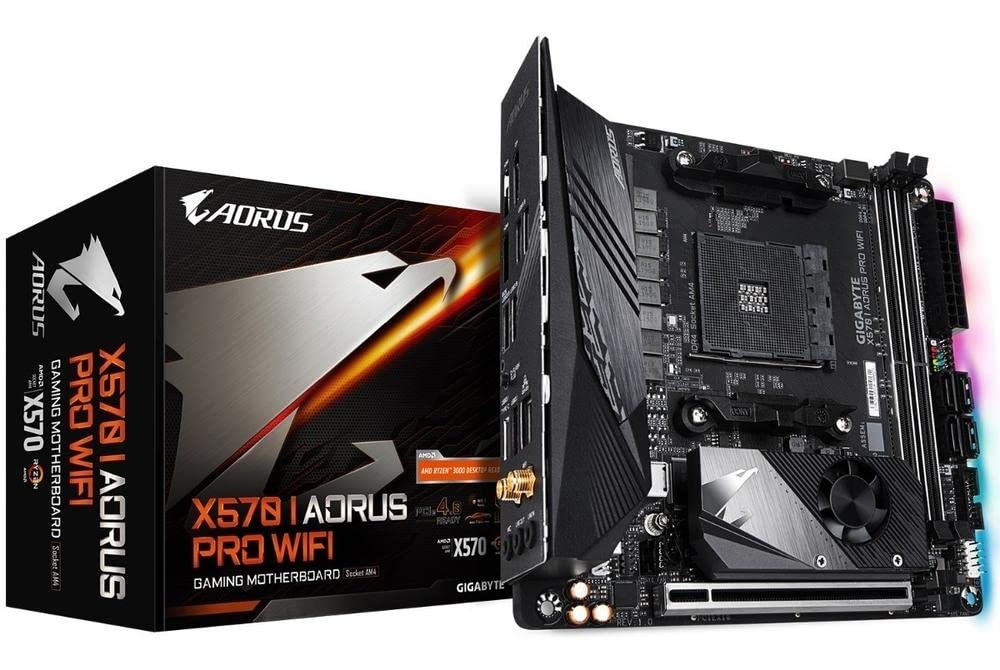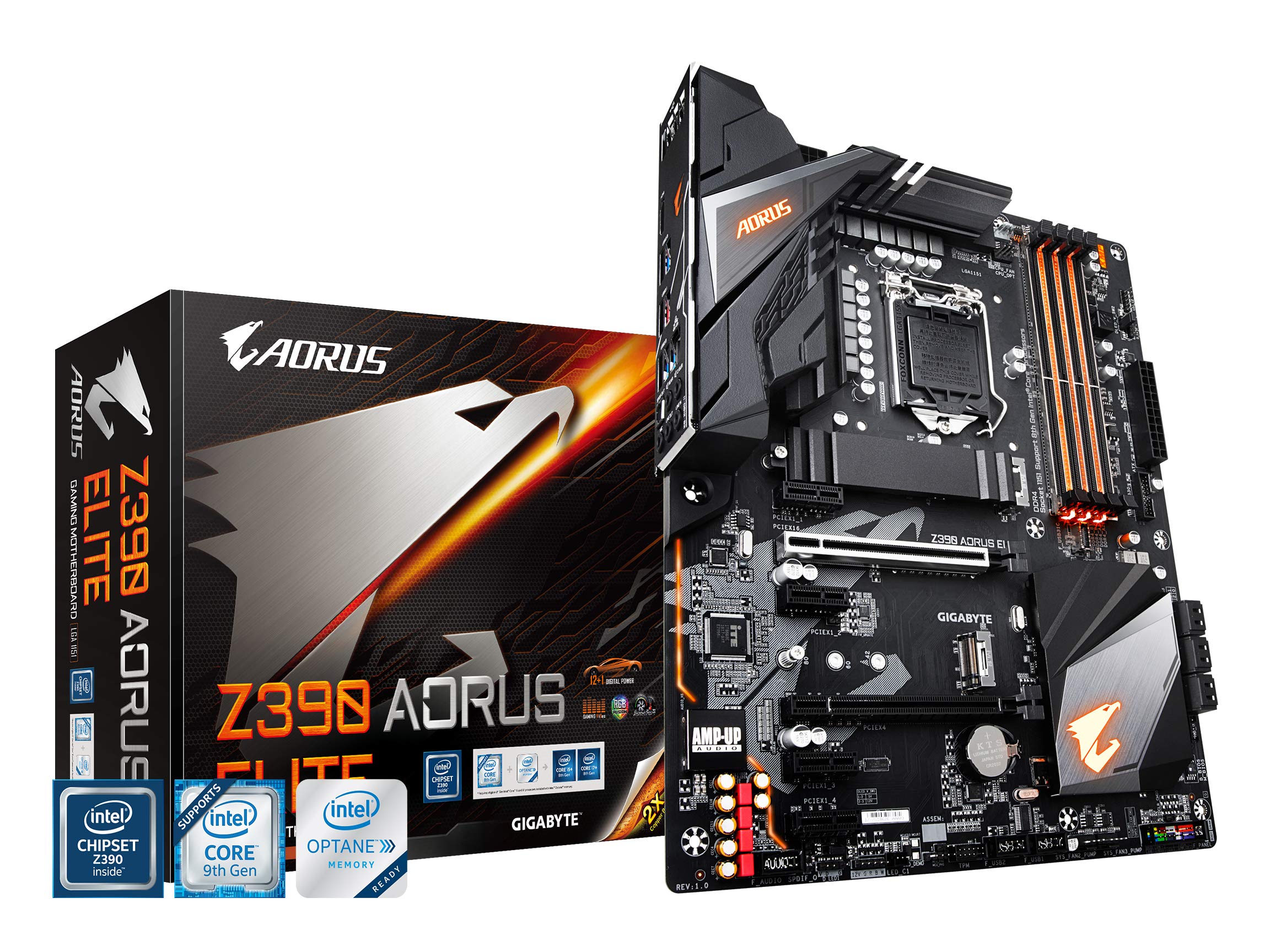

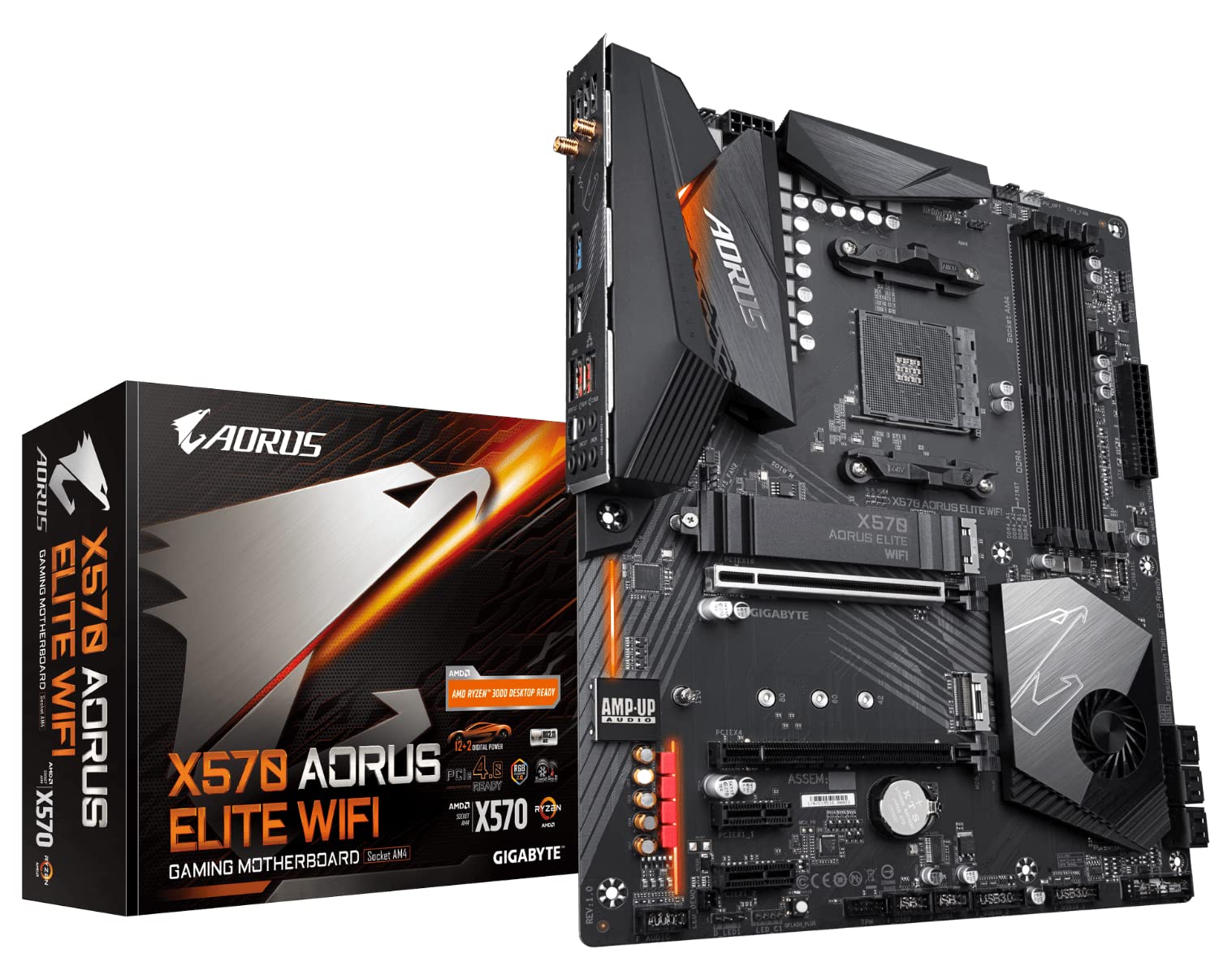
Explore the GIGABYTE X570 AORUS Elite Wi-Fi motherboard for AMD Ryzen systems in the Computer Motherboards category.
Why choosing Computer Motherboards is difficult#
Selecting the right computer motherboard can feel overwhelming due to the wide range of options available. Each motherboard serves different purposes based on performance needs, compatibility, and future-proofing features. For example, some motherboards prioritize high-speed data transfer with PCIe 4.0 support, while others focus on cost-effectiveness for entry-level systems. The GIGABYTE X570 AORUS Elite Wi-Fi is one such motherboard that includes advanced features like Intel Dual Band 802.11AC Wi-Fi and RGB Fusion 2.0, which may be unnecessary for users who do not require these capabilities.
Common buyer mistakes#
One common mistake when purchasing a motherboard is overlooking compatibility with the intended CPU and other components. The X570 chipset supports AMD Ryzen 3000 processors, but buyers must ensure their chosen processor fits within the socket type (AM4) and that the BIOS is up to date for optimal performance. Another frequent error involves ignoring cooling solutions; while the M.2 Thermal Guard feature helps manage heat from high-speed storage devices, users may still need additional cooling depending on their system’s overall thermal design.
Real-world use and expectations#
In real-world applications, the GIGABYTE X570 AORUS Elite Wi-Fi is expected to deliver stable performance for gaming and content creation tasks. The inclusion of PCIe 4.0 support allows for faster data transfer speeds with compatible NVMe SSDs, making it ideal for users who require high-speed storage solutions. However, this motherboard may not be the best choice for those building a budget-friendly system or someone who does not plan to use advanced features like Wi-Fi or RGB lighting.
Where this product fits (strengths and weaknesses)#
This motherboard excels in environments where performance and connectivity are priorities. Its support for PCIe 4.0, Intel Dual Band Wi-Fi, and Front USB Type-C ports makes it a strong option for users looking to build a modern high-performance system. On the other hand, its feature set may be excessive for simpler builds or those with limited budgets. Additionally, while the RGB Fusion 2.0 allows for customizable lighting, this is not essential for all users and could be considered an added cost without direct functional benefits.
Who should avoid this product#
Users who are building a basic desktop system or do not require Wi-Fi or advanced cooling features may find this motherboard overkill. Additionally, those on a tight budget might prefer more affordable options that lack some of the premium features included in the X570 AORUS Elite Wi-Fi. It is also important to note that this product is specifically designed for AMD Ryzen 3000 processors and will not support newer or different processor architectures without BIOS updates.
How it compares with alternative styles#
When comparing motherboards, users often consider factors like chipset compatibility, feature set, and price point. For example, a motherboard in the B550 chipset category may offer similar performance but at a lower cost, making it more suitable for budget builds. In contrast, higher-end X670 motherboards provide even greater features such as support for newer Ryzen processors and additional PCIe 4.0 lanes. The GIGABYTE X570 AORUS Elite Wi-Fi sits in the mid-to-high range of the X570 lineup, offering a balance between performance and feature richness.
Care and long-term ownership#
Proper care is essential for ensuring the longevity of any motherboard. Keeping the system well-ventilated and using appropriate cooling solutions can help prevent overheating, especially with components like M.2 drives that generate heat during high-speed operations. Regular firmware updates are also recommended to maintain compatibility with new hardware and software releases. While there may not be a manufacturer warranty listed for this product, general maintenance practices such as avoiding static electricity and ensuring secure component installation will contribute to long-term reliability.
Frequently asked questions#
What is the significance of PCIe 4.0 support on this motherboard?#
PCIe 4.0 allows for faster data transfer speeds between components like NVMe SSDs and the CPU, which can improve system performance in tasks that require high-speed storage access.
Does this motherboard include built-in Wi-Fi capabilities?#
Yes, it includes Intel Dual Band 802.11AC Wi-Fi support, allowing users to connect wirelessly without needing a separate adapter.
Can I use RGB lighting with other components on this motherboard?#
The RGB Fusion 2.0 feature allows for synchronization of RGB lighting across compatible components, providing greater customization options for system aesthetics.
Is there any specific cooling solution required for the M.2 Thermal Guard feature?#
While the M.2 Thermal Guard helps manage heat from high-speed storage devices, users may still need additional cooling depending on their overall thermal design and workload demands.