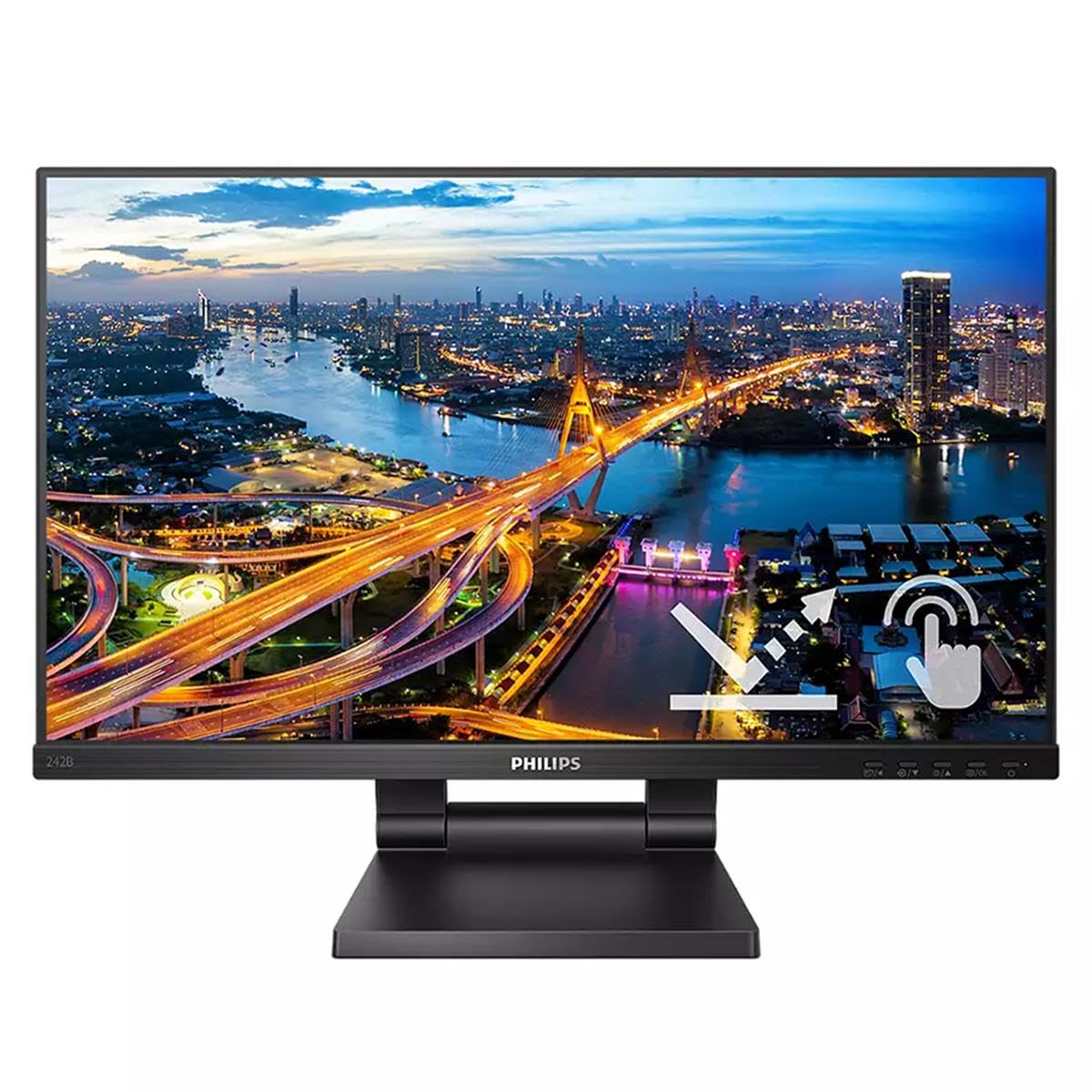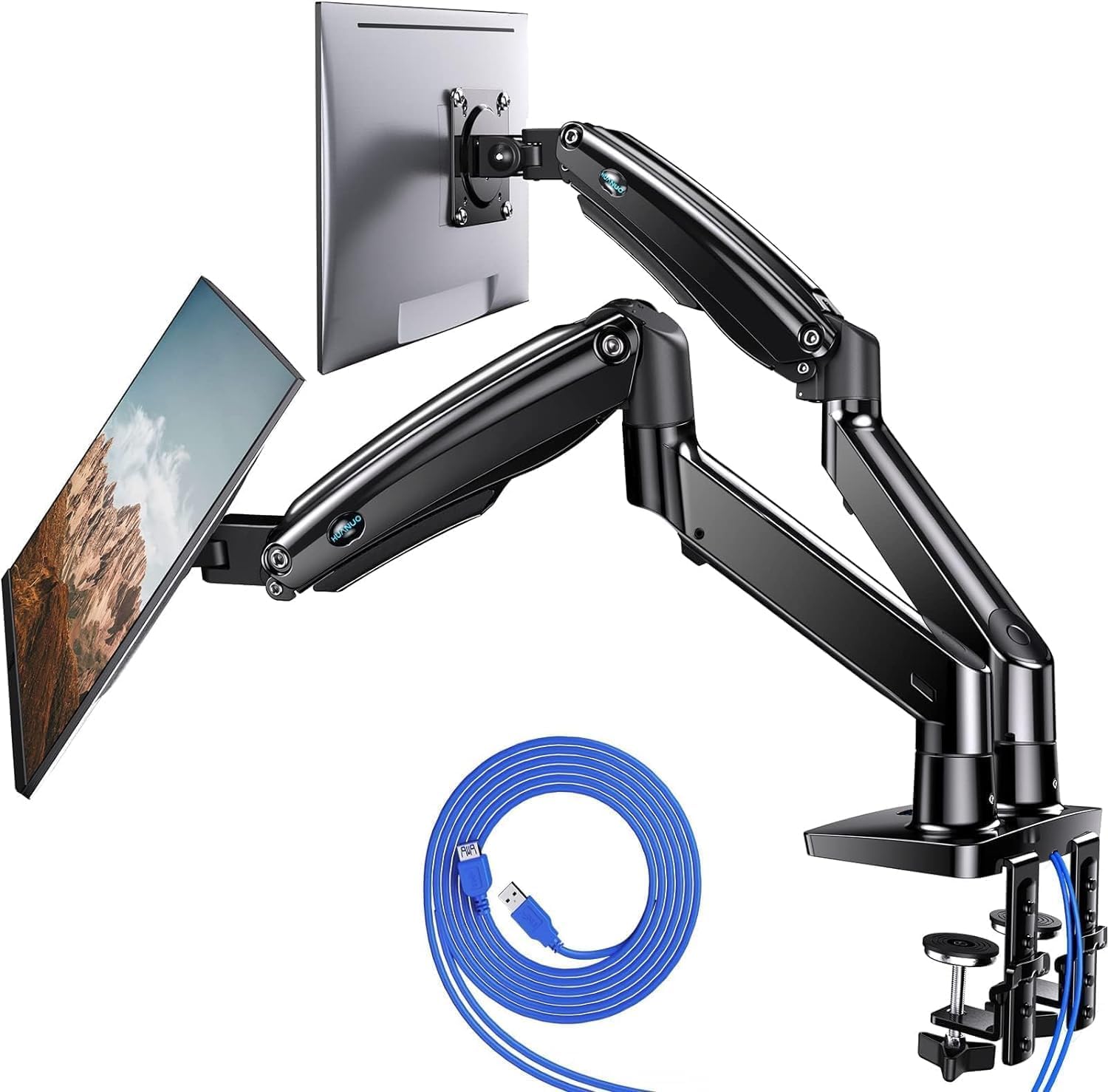

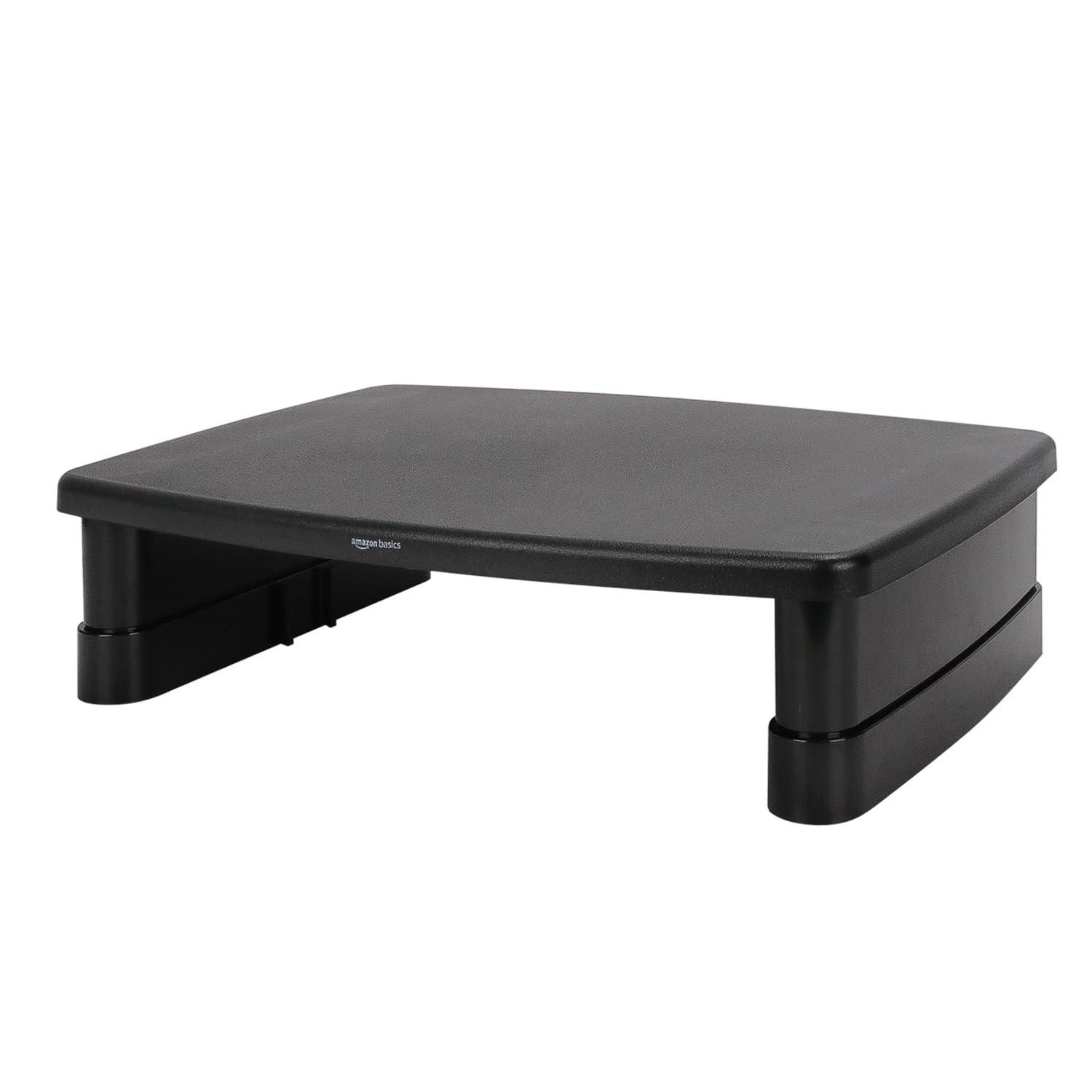
A buying guide for computer monitors, focusing on a height adjustable monitor riser desk stand from Amazon Basics.
Why choosing computer monitors is difficult#
Selecting the right computer monitor setup involves considering ergonomics, screen size, compatibility with devices, and long-term comfort. Many users overlook how their desk height and posture affect eye strain and neck pain over time. Products like a height-adjustable monitor riser can help align screens at optimal viewing angles but require careful evaluation of fit and function within the user’s workspace.
Common buyer mistakes#
A common mistake is assuming that any stand will work with all monitors or laptops. Not all stands support the same weight limits, screen sizes, or mounting styles. Another oversight is neglecting to consider how a riser impacts desk space, especially in smaller offices or home setups where storage and mobility are limited. Buyers may also ignore compatibility requirements such as VESA mount standards or cable management options.
Real-world use and expectations#
In practice, this height-adjustable monitor riser can make a noticeable difference for users who experience discomfort from looking down at their screens for extended periods. The adjustable feature allows customization to individual preferences, which is especially useful in shared workspaces where multiple people may use the same desk. However, it’s important to note that while the stand offers storage space, this might not be sufficient for users with more extensive cable or accessory needs.
Where this product fits (strengths and weaknesses)#
This monitor riser excels in providing a simple solution for ergonomic adjustments without requiring major changes to an existing setup. Its rectangular design allows it to fit on most standard desks, and the weight limit of up to 22lbs makes it suitable for many laptops and monitors. However, users with larger or heavier displays may find this product insufficient. Additionally, while storage compartments are a plus, they are limited in size and do not accommodate bulky items like external hard drives.
Who should avoid this product#
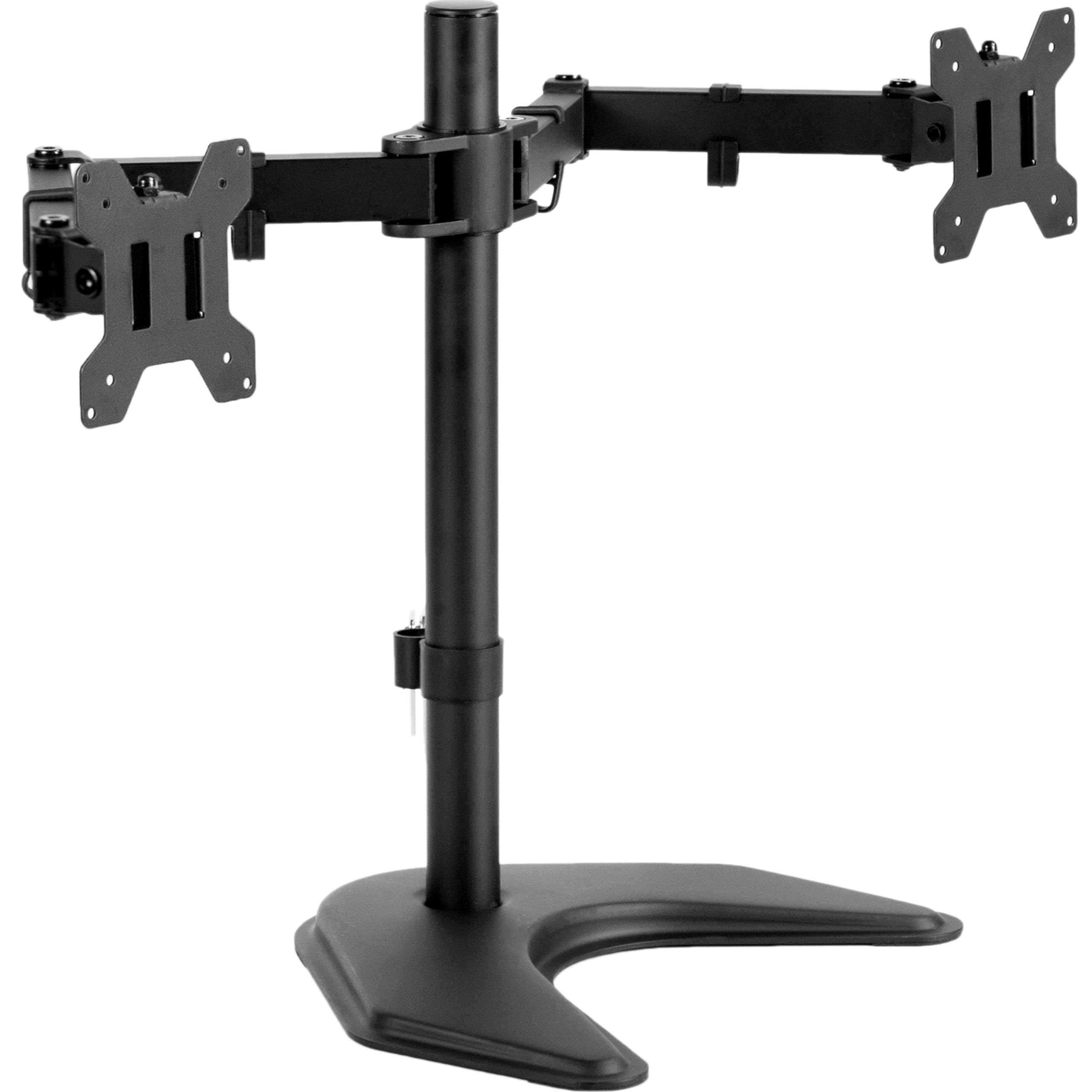
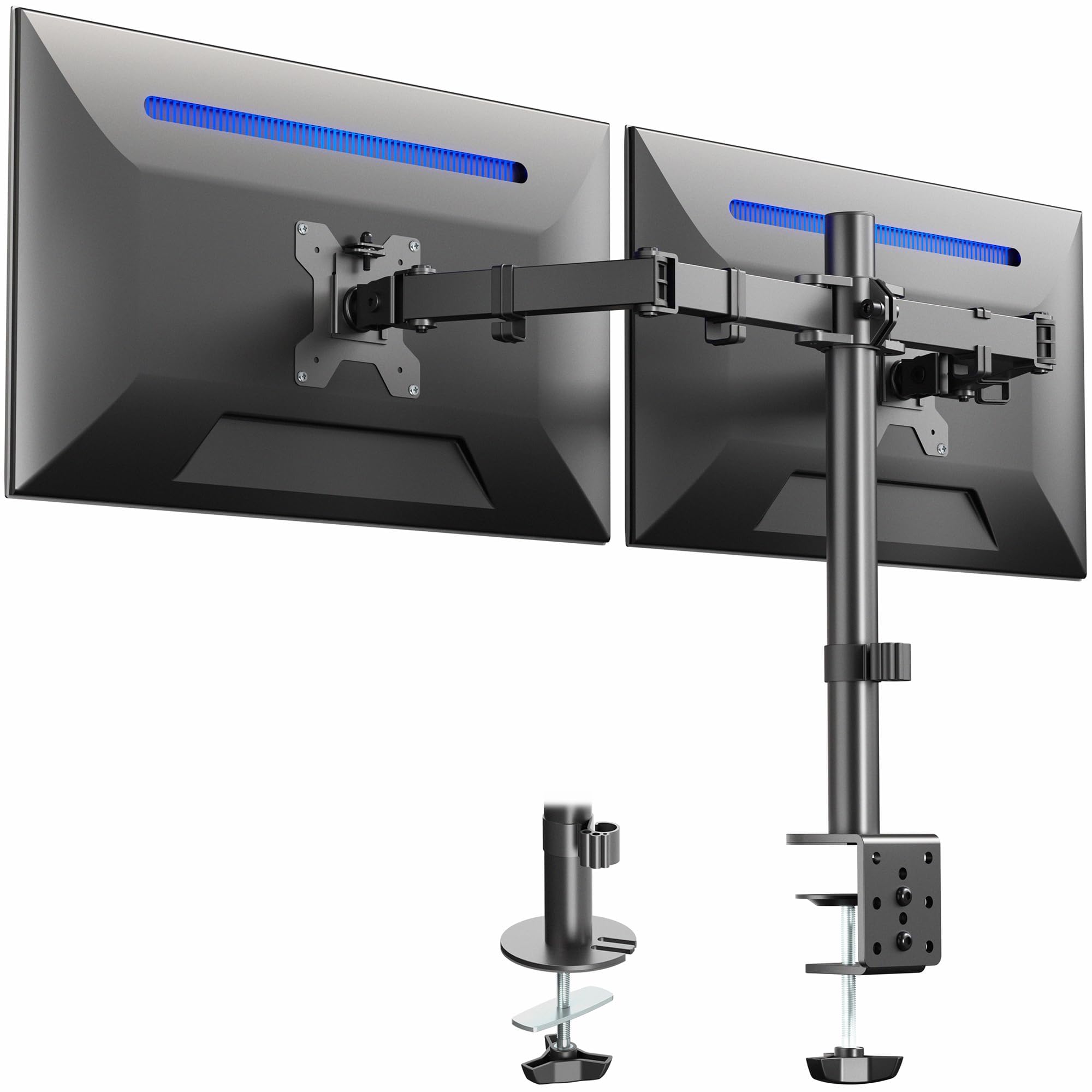
This riser is not ideal for individuals who require extensive customization, such as those using multiple monitors or needing advanced cable management features. It may also be unsuitable for users with very large screens that exceed the supported weight limit or those in environments where frequent repositioning of the desk setup is necessary.
How it compares with alternative styles#
| Feature | Monitor Riser (Amazon Basics) | Fixed Height Stand | Wall-Mounted Bracket |
|---|---|---|---|
| Adjustability | Yes | No | Limited |
| Weight Limit | Up to 22lbs | Varies by model | Typically higher |
| Storage Options | Includes compartments | Rarely includes | Usually none |
| Installation | Simple setup | Easy | More complex |
Compared to fixed height stands, this product offers more flexibility in positioning the monitor for optimal ergonomics. However, wall-mounted brackets often provide greater stability and support for heavier devices but require more installation effort.
Care and long-term ownership#
Proper care of a monitor riser involves regular cleaning to prevent dust buildup on surfaces that come into contact with the screen or desk. Avoid exposing it to excessive moisture or direct sunlight, which can degrade materials over time. While there is no warranty information provided for this product, maintaining its structure through careful use will likely extend its lifespan.
Frequently asked questions#
Can I use this riser with a curved monitor?#
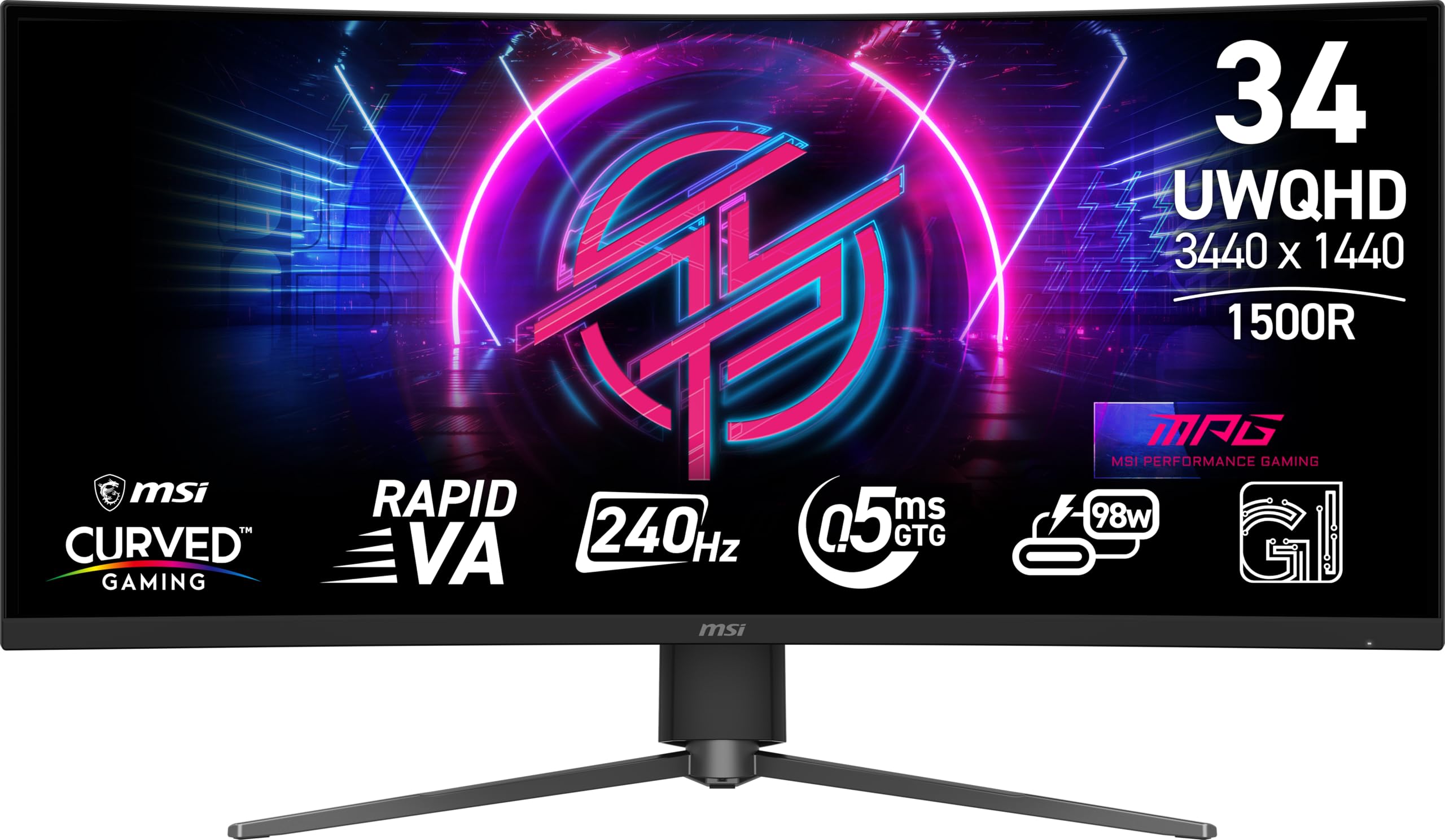
This riser supports rectangular monitors and laptops but may not accommodate the larger footprint or unique curvature of some curved displays. Ensure your screen fits within the dimensions listed in the product description before purchasing.
Does it support VESA mounting standards?#
The product does not mention compatibility with VESA mounts, so users relying on this feature should verify if their monitor has alternative mounting options that work with this stand.
Can I adjust the height while using my laptop?#
Yes, the riser allows for height adjustments even when a laptop is in use. However, it’s important to ensure your laptop fits securely within the designated area and does not shift during use.
How much weight can the storage compartments hold?#
The exact capacity of the storage compartments is not specified in product details. For heavier items like external drives or additional monitors, consider a model with reinforced storage areas.
Final thoughts#
When selecting a monitor riser, it’s essential to match the product’s capabilities with your specific needs and workspace constraints. This Amazon Basics height-adjustable stand provides an accessible solution for ergonomic improvements but has limitations in terms of weight capacity and storage space that may affect its suitability for certain users.