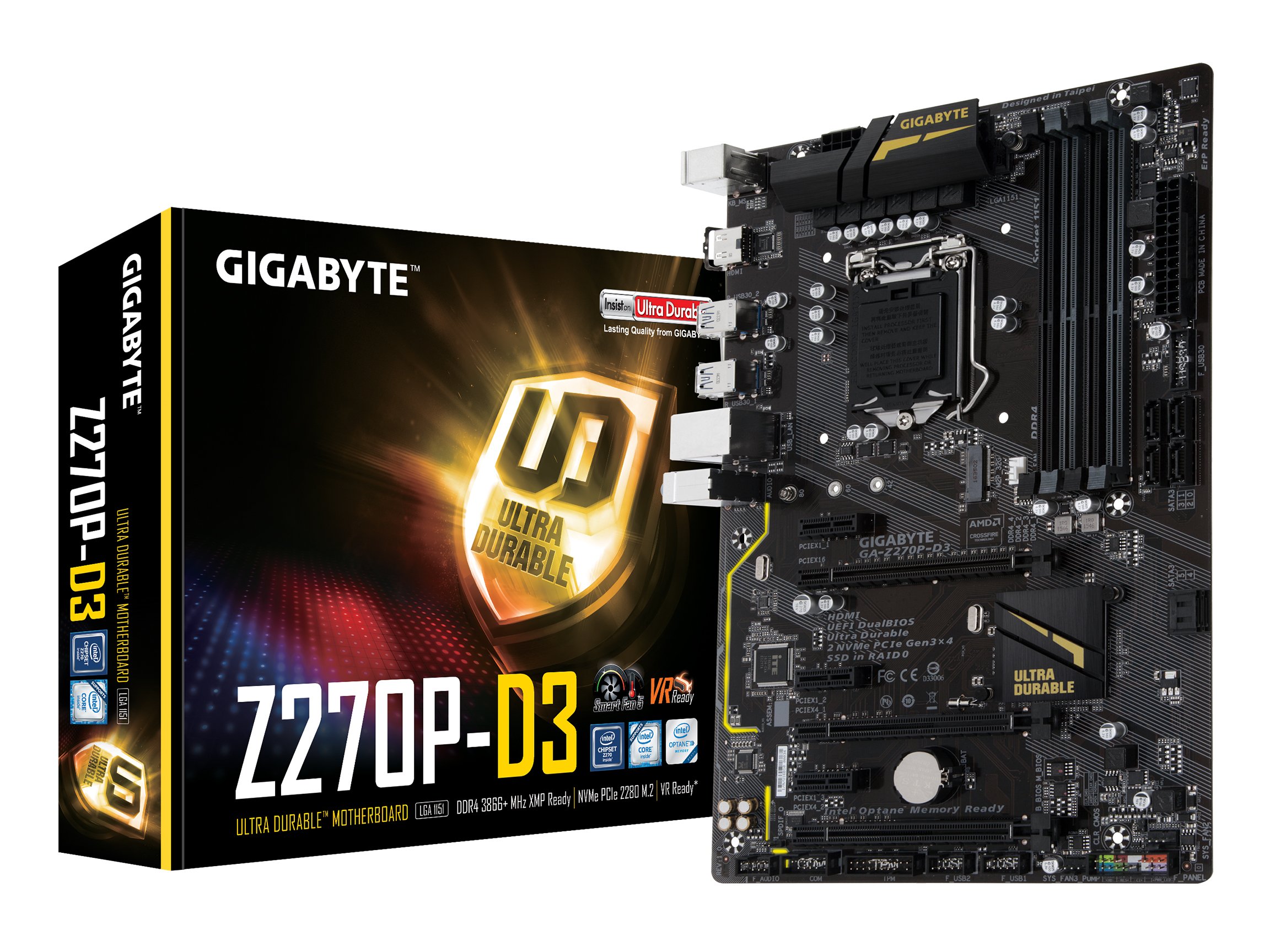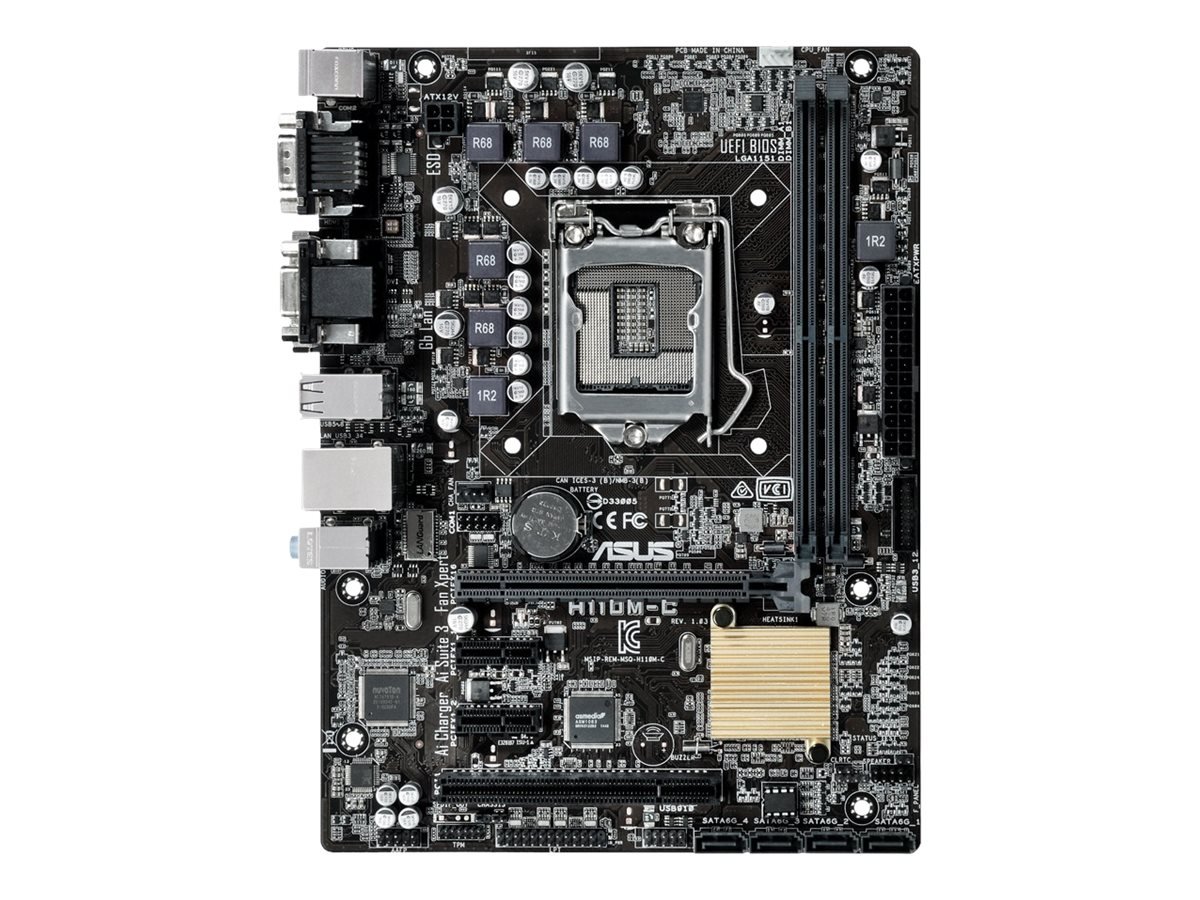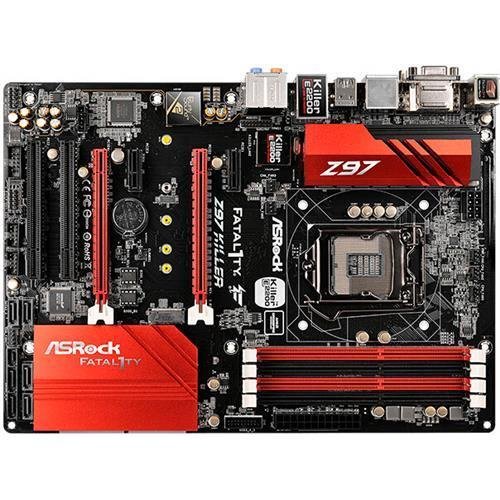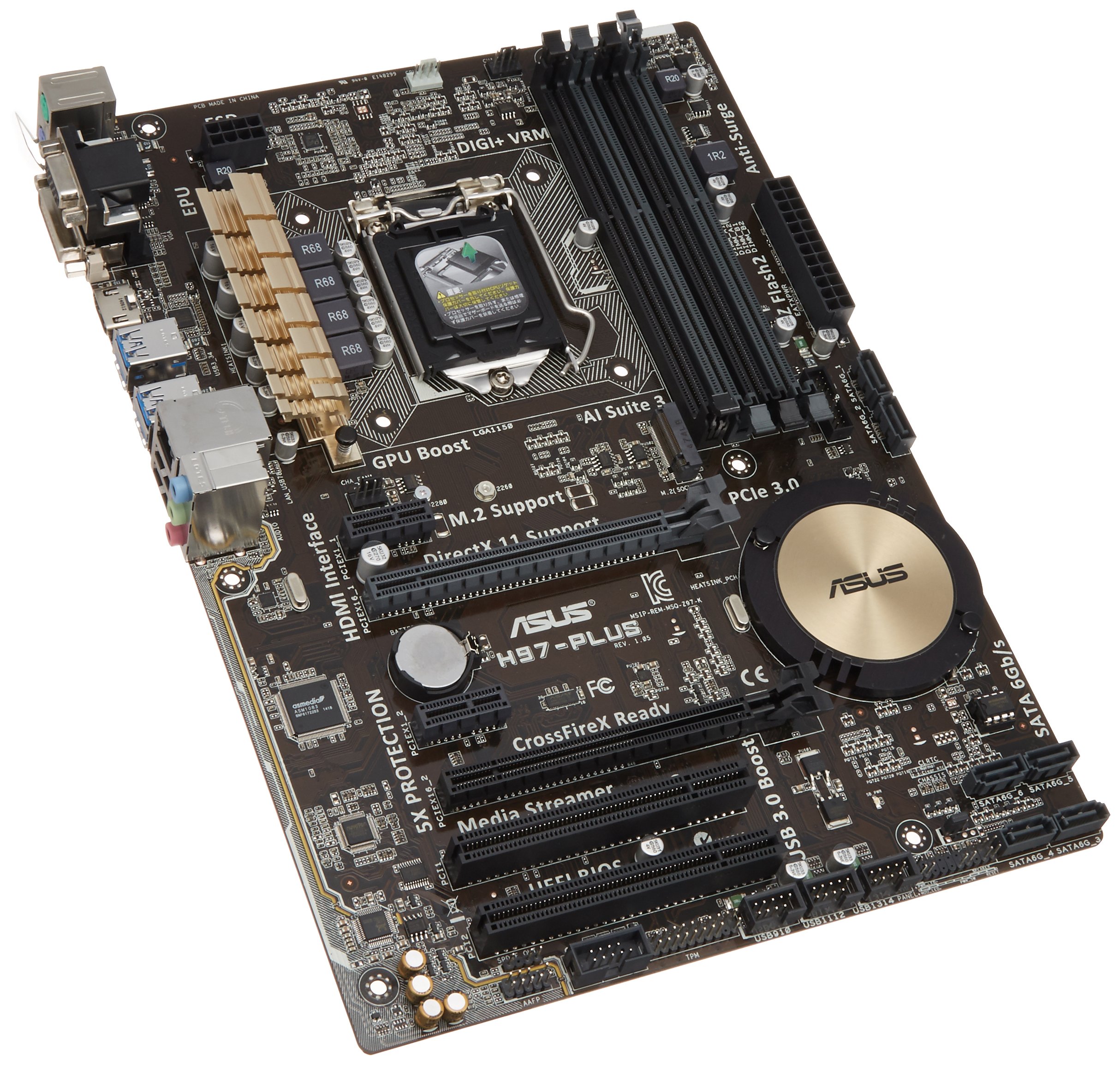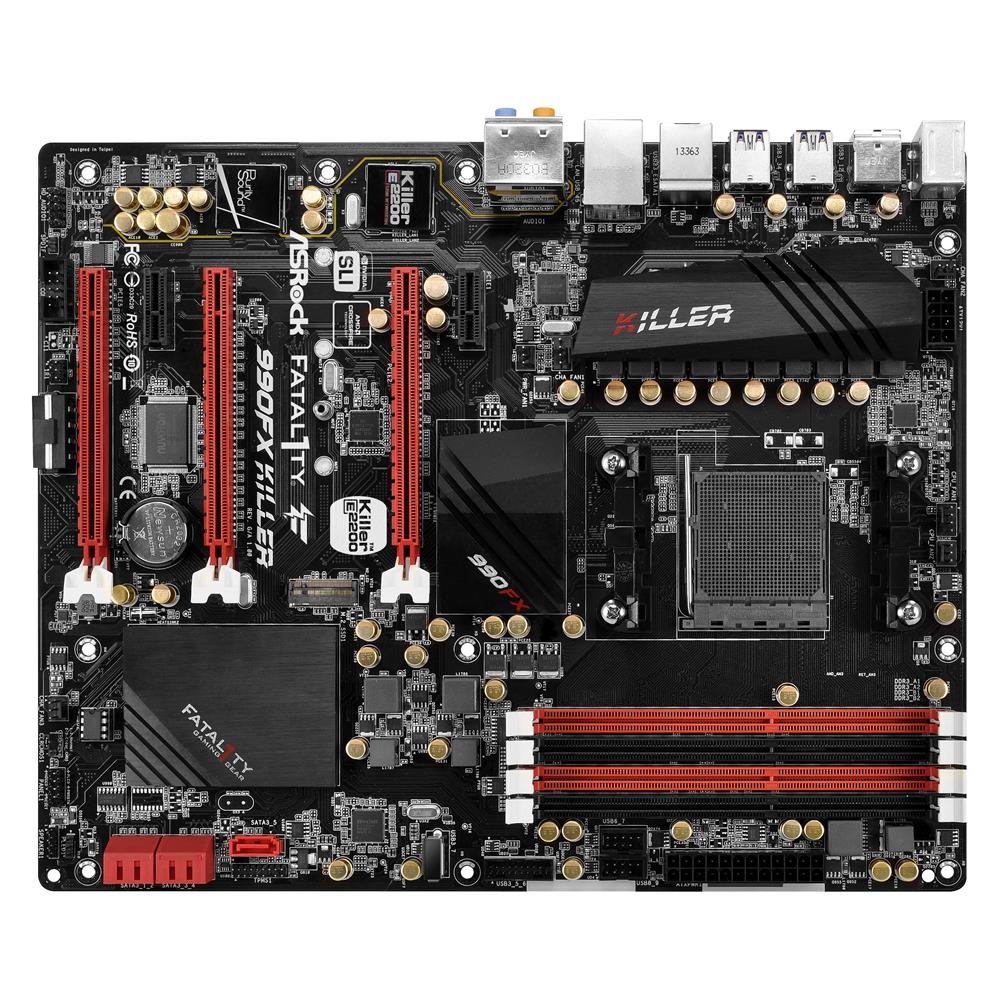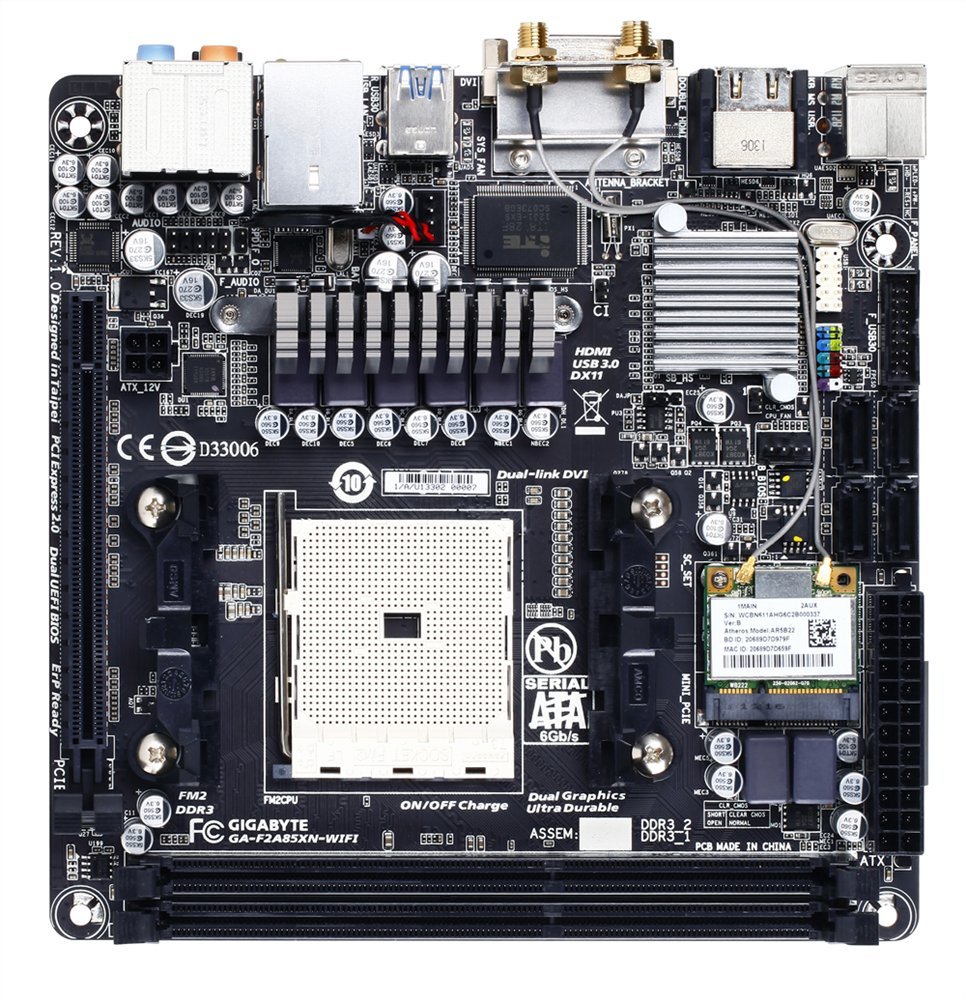

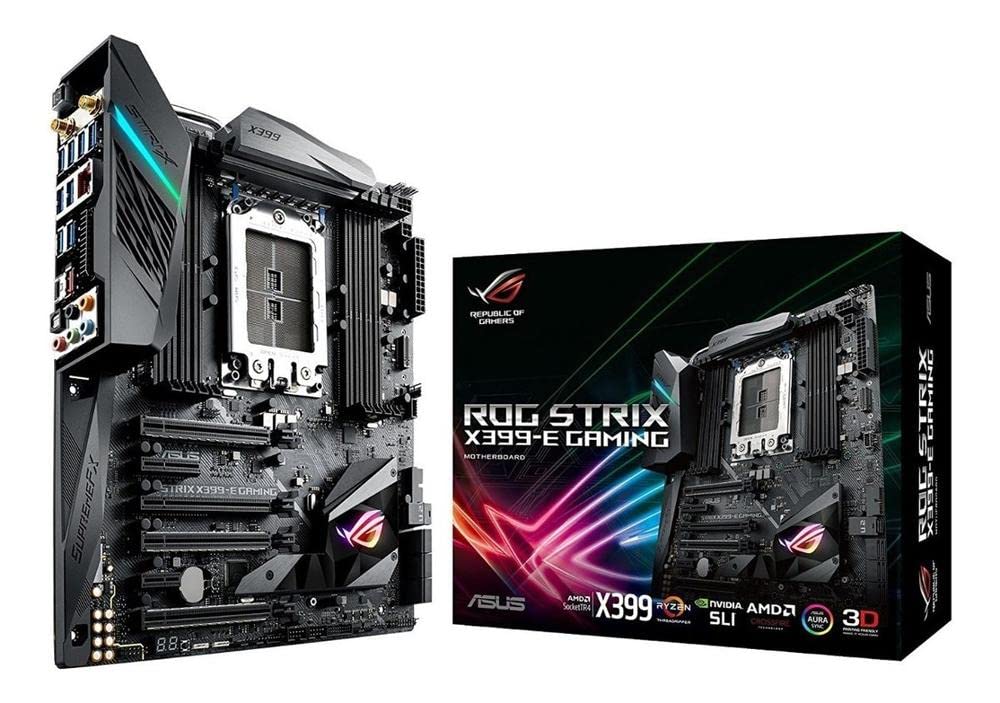
Explore the ASUS ROG STRIX X399-E motherboard, a high-end option in the Computer Motherboards category.
Why choosing Computer Motherboards is difficult#
Selecting a motherboard requires understanding the compatibility between the CPU socket, memory type, expansion slots, and peripheral support. The ASUS ROG STRIX X399-E, with its TR4 socket and support for DDR4 RAM, is tailored for high-performance systems but may not suit users who don’t require such capabilities. Motherboards like this one are often complex to configure due to the number of features available, including onboard WiFi and RGB lighting, which can be overwhelming for first-time builders.
Common buyer mistakes#
One common mistake when purchasing a motherboard is overlooking compatibility with other system components. For example, ensuring that the chosen CPU fits the TR4 socket on this board is essential. Another error involves underestimating power requirements; motherboards like the X399-E are typically used in systems with high-end CPUs and multiple GPUs, which demand robust power delivery. Buyers may also overlook the need for proper cooling solutions due to the thermal demands of Threadripper processors.
Real-world use and expectations#
The ASUS ROG STRIX X399-E is intended for users building high-performance workstations or gaming rigs that require extreme multitasking capabilities, such as 3D rendering or video editing. It supports multiple M.2 and U.2 storage options, which are beneficial for large data workflows. However, the board’s complexity may not be necessary for users who only need basic performance from their system.
Where this product fits (strengths and weaknesses)#
A key strength of the ASUS ROG STRIX X399-E is its support for high-end AMD Threadripper processors and robust connectivity options. The inclusion of 802.11AC WiFi, USB 3.1 Gen2 ports, and AURA Sync RGB lighting adds versatility to system builds. However, these features come at the cost of increased complexity and higher power consumption. This motherboard may not be ideal for users who do not require such advanced capabilities or those looking for a more streamlined setup.
Who should avoid this product#
Users building budget-friendly systems or those with no need for high-end performance should consider other motherboards that are less complex and more affordable. Additionally, individuals unfamiliar with advanced hardware configurations may find the X399-E’s features difficult to manage without additional research or support from experienced builders.
How it compares with alternative styles#
| Feature | ASUS ROG STRIX X399-E | Entry-Level Motherboard | Mid-Range ATX Board |
|---|---|---|---|
| CPU Socket | TR4 (Threadripper) | Intel LGA 1200 or AMD AM4 | Intel LGA 1700 or AMD AM5 |
| Memory Support | DDR4 | DDR4 | DDR4/DDR5 |
| Expansion Slots | Multiple PCIe x16, M.2, U.2 | Limited PCIe and M.2 options | Moderate PCIe and M.2 support |
Compared to entry-level motherboards, the X399-E offers significantly more expansion and performance potential but at a higher cost. Mid-range ATX boards may provide a balance between features and affordability for users who do not require Threadripper-level power.
Care and long-term ownership#
Proper care of the ASUS ROG STRIX X399-E involves ensuring adequate cooling, using high-quality components, and maintaining stable power delivery to avoid overheating or electrical damage. Regular firmware updates from ASUS can improve compatibility with newer hardware and software. Due to its advanced features, this motherboard may require more frequent maintenance compared to simpler models.
Frequently asked questions#
What type of CPU is compatible with the ASUS ROG STRIX X399-E?#
The board supports AMD Ryzen Threadripper processors in the TR4 socket, which are designed for high-performance computing and gaming applications.
Does this motherboard include onboard WiFi?#
Yes, it features 802.11AC WiFi as part of its connectivity options, eliminating the need for a separate wireless card in many cases.
Can I use RGB lighting with other components on this board?#
The AURA Sync RGB lighting system is compatible with other ASUS and third-party RGB devices that support synchronization through software.
Is this motherboard suitable for gaming only or can it handle professional workloads too?#
The X399-E is capable of handling both high-end gaming and professional tasks such as video editing, 3D rendering, and virtualization due to its powerful chipset and multiple expansion options.